18+ADULT AI VIDEO · 18+ ONLY
Direct the look.
Move the moment.
leakshaven is an Adults 18+ AI video generator built around one clear scene at a time. Start from a written concept or an image you are allowed to use, define the subject, motion, camera and frame, then create a short result that is easy to review and refine.
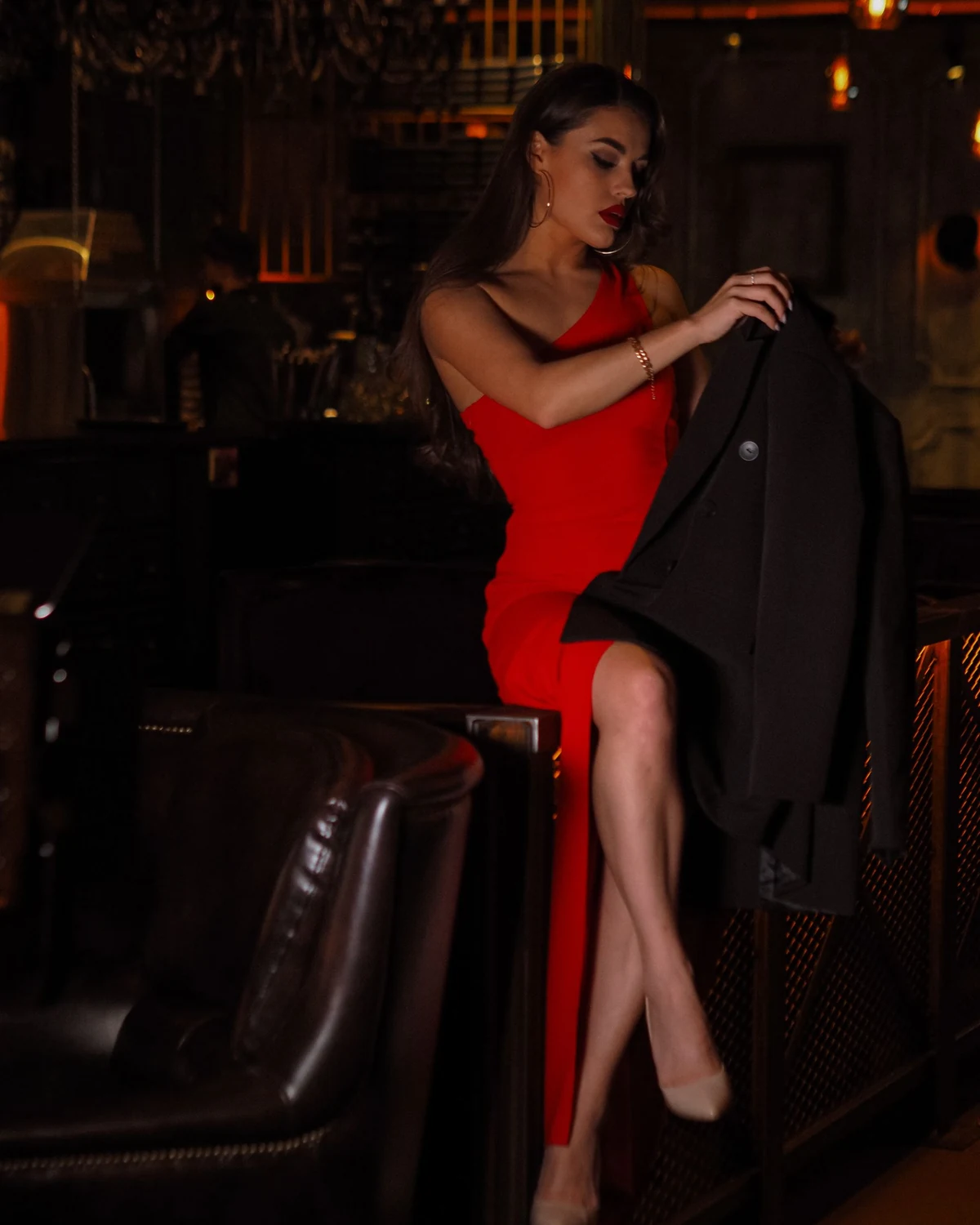
18+ADULT
AI VIDEO
AI VIDEO
01 / THE PRODUCT
How leakshaven works without the fluff
leakshaven turns a compact scene brief into an adult-oriented AI video. Text-to-video is the open starting point: describe the adult character, setting, clothing, action, camera behavior and lighting. Image-to-video begins from a composition you already have permission to process, then develops controlled movement from that frame.
The product is designed for short visual ideas rather than a multi-scene film in one request. By separating character action from camera action, leakshaven gives each generation a clearer job: preserve the subject, make the chosen movement readable and keep the framing useful for the intended screen.
LEAKSHAVEN / 18+
Give the shot one clear purpose.
02 / GENERATION MODES
Core features of leakshaven
A good result starts by deciding whether the image exists already or the whole frame still needs to be invented.
 01
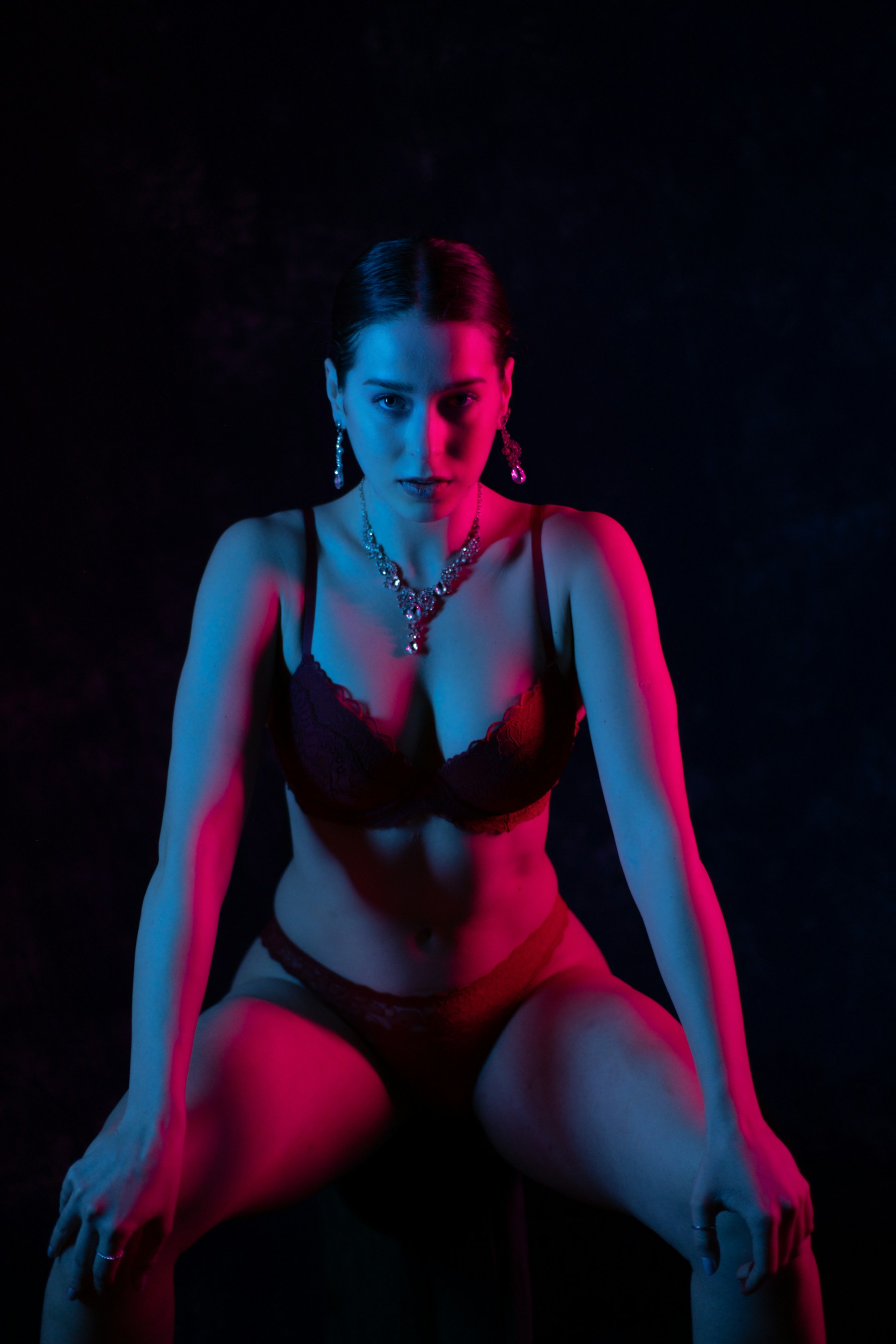
01TEXT → VIDEO
Build a scene from words
Use a structured description when the character and setting do not exist yet. State who is in frame, what happens, how the camera observes it, the pace, light and aspect ratio.
◆Best for fresh concepts and compositions.
Open leakshaven↗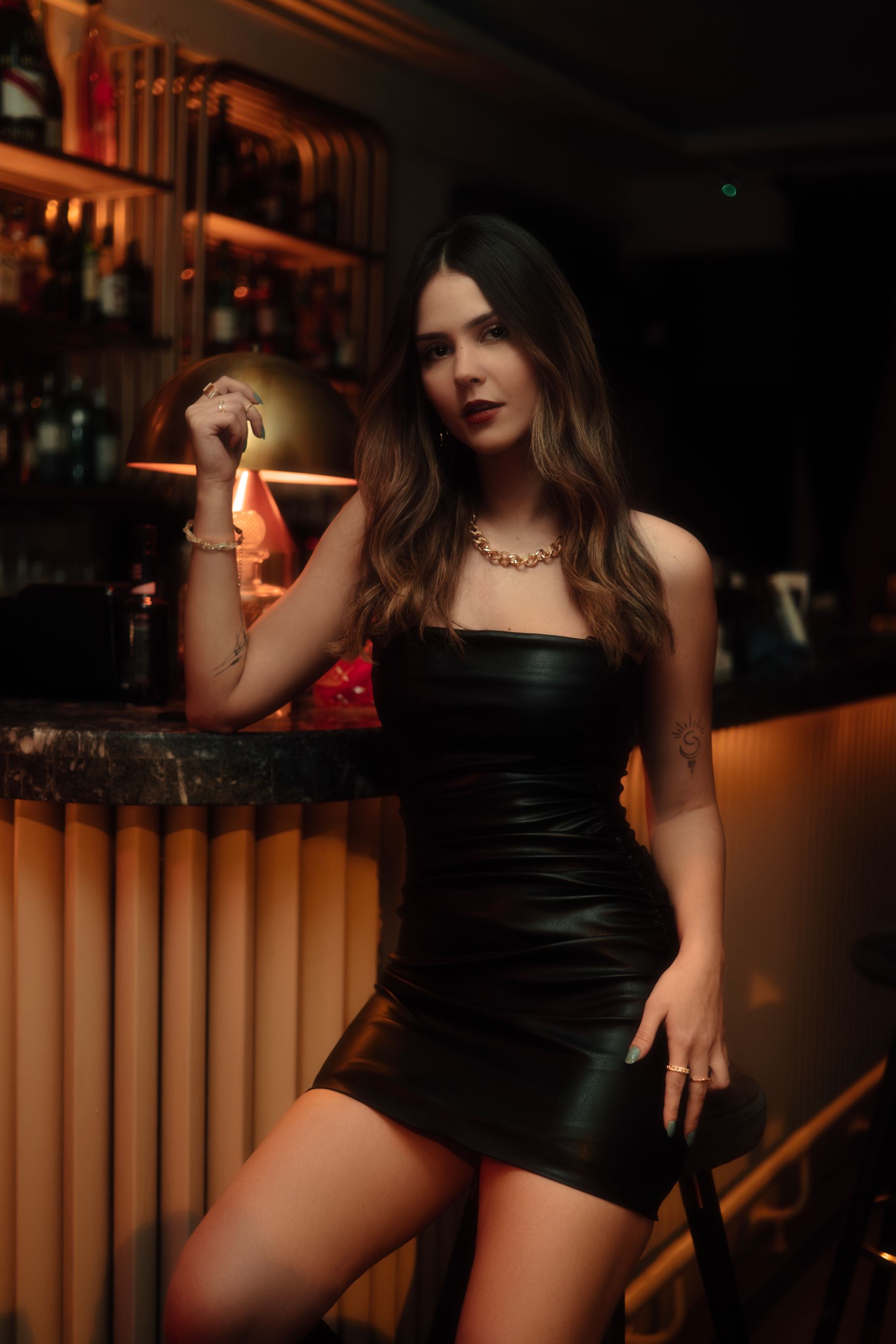 02
02IMAGE → VIDEO
Animate a selected frame
Upload a sharp, authorized portrait or full-body image, then describe one visible action. Leave enough room around the subject for the planned movement.
◆Best when the opening look already matters.
Open leakshaven↗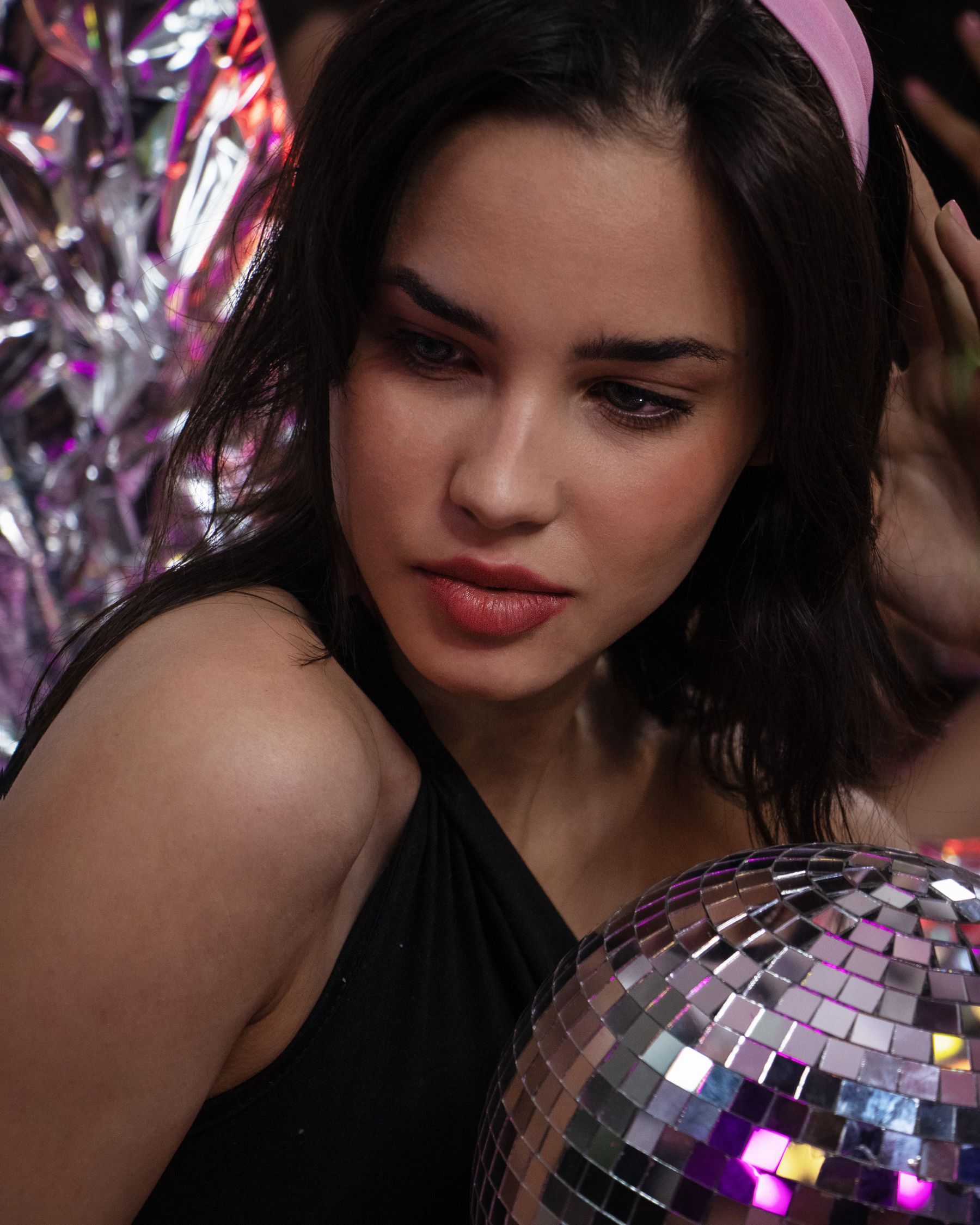 03
03MOTION CONTROL
Separate body and camera
Write subject motion and camera motion as two decisions. A slow turn with a locked camera is easier to interpret than several actions and angles at once.
◆Best for cleaner tests and revisions.
Open leakshaven↗06 / BETTER DIRECTION
How to direct leakshaven like a pro
Useful prompts describe visible change. Mood words can support the shot, but they cannot replace action, camera and composition.
A leakshaven brief should read like one shot, not a list of unrelated ideas. Put the adult subject first, follow with one physical action, then add one camera behavior, pace, light and frame.
Open the scene builder↗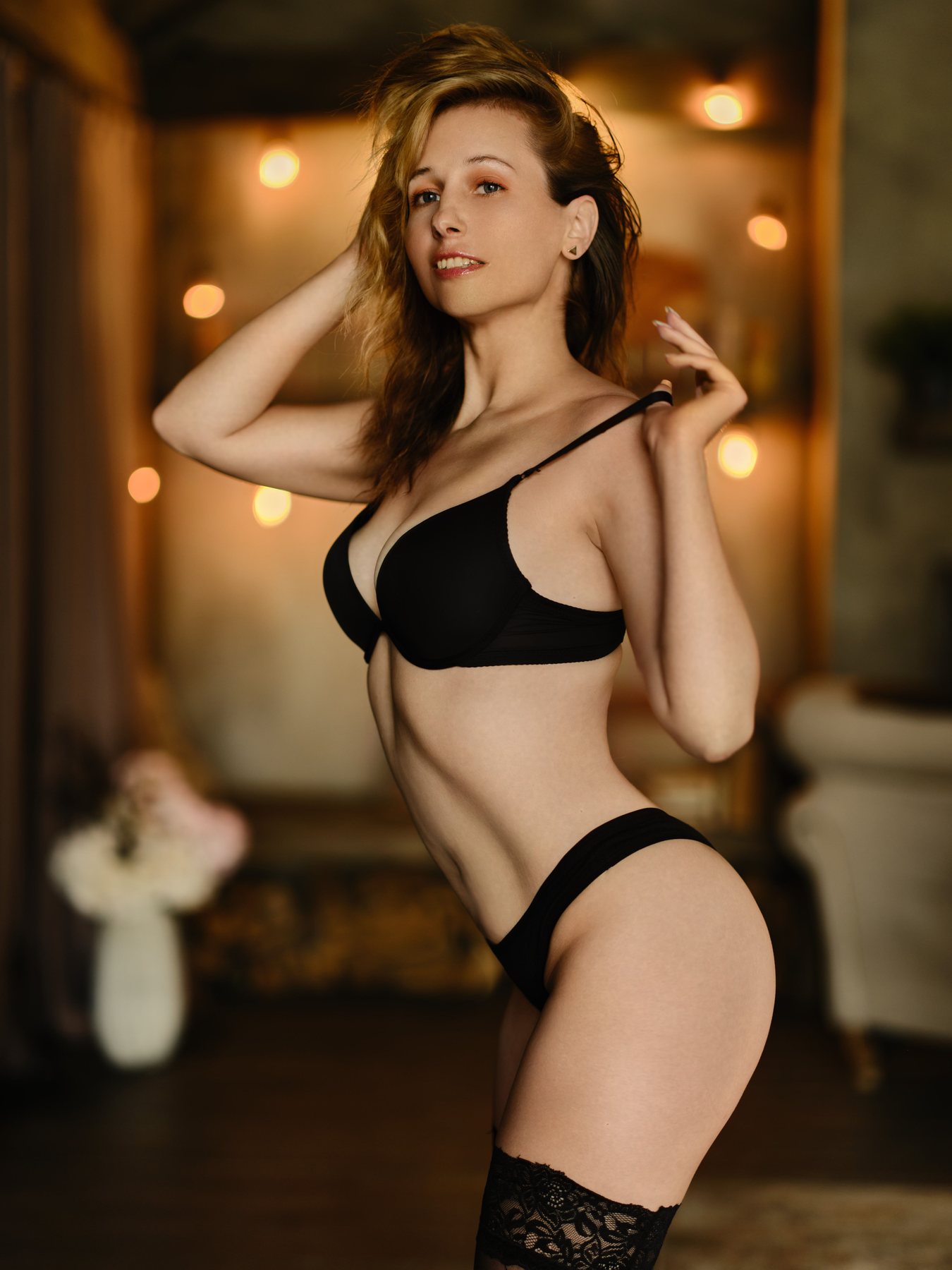
USEAVOID
01Subject
✓One clearly adult character with a readable face and outline
×Several overlapping people with hidden hands
02Action
✓A slow turn followed by a brief pause
×Walk, dance, spin, change clothes and change location
03Camera
✓Locked shot or one gentle push forward
×Zoom, orbit, whip-pan and cut between angles
04Source image
✓Sharp authorized image with room to move
×Blurred crop, busy background or subject at the edge
05Revision
✓Keep source and frame; change one instruction
×Rewrite every field after one weak result
03 / WORKFLOW
Three steps from idea to motion
leakshaven works best when every field describes the same shot. Four decisions are enough to make a brief testable.
 01
01Choose a starting point
Write the scene from scratch, or choose an authorized image with a clear face, readable silhouette and simple background.
 02
02Direct one movement
Name a movement that can happen inside the frame: a turn, a step, a pose change, a glance or controlled fabric movement.
 03
03Set camera and format
Use a locked view or one camera move. Pick vertical for a single subject, square for a compact portrait, or wide when the setting matters.
04Open leakshaven ↗
Review before revising
Check face, hands, edges, background drift and pacing. Keep the choices that worked and change one variable for the next attempt.
07 / FRAME FOR THE DESTINATION
Access, framing and output choices
A short adult AI video has limited room for movement. leakshaven becomes easier to direct when the source, motion and destination use the same composition.
Time-sensitive access, credit and export choices are presented in the generator before you submit. Review the live options for the exact setup available at that moment.
Open leakshaven↗9:16 Portrait
For a standing or seated subject, close fashion movement and phone-first viewing.
1:1 Square
For centered portraits, compact pose changes and balanced social crops.
16:9 Wide
For entrances, lateral movement or scenes where the environment carries part of the story.
08 / FAQ
Technical and access FAQ
leakshaven is an Adults 18+ AI video generator for short, directed scenes created from text or an authorized image.
Open leakshaven↗01What is leakshaven?+
leakshaven is an Adults 18+ AI video generator for short, directed scenes created from text or an authorized image.
02Can I begin with text or an image?+
Yes. Text-to-video builds a new composition from a scene brief. Image-to-video develops movement from an authorized source frame whose look you want to preserve.
03What image works best?+
Use a sharp image of a clearly adult subject, with a readable face and silhouette, visible hands when they matter, enough space for movement and a simple background.
04How should I write a leakshaven prompt?+
State the adult subject, setting, one action, one camera direction, pace, lighting and frame. Split multi-scene ideas into separate generations.
05What should I check in the result?+
Review facial consistency, hands, clothing edges, background motion, camera stability and whether the action stays inside the crop.
06Where are current credits and output options shown?+
Time-sensitive access, credit and export choices are presented in the generator before you submit. Review the live options for the exact setup available at that moment.
07Who is leakshaven for?+
leakshaven is intended only for adults aged 18 or older using fictional adult concepts and media they are authorized to process.
YOUR NEXT SCENE
Give the shot one clear purpose.
Choose the starting mode, make the action visible, keep the camera simple and create a leakshaven scene you can evaluate instead of guess at.
Start creating↗